Row Partitioning: 4.5× Faster Narrow SAP Extracts

Most SAP extracts are narrow. You want three columns out of a table with a hundred
million rows, on a schedule, and you want it to finish before the batch window closes.
That shape is the normal case for an incremental load — and it was the one shape
sap_read_table could not read in parallel at all.
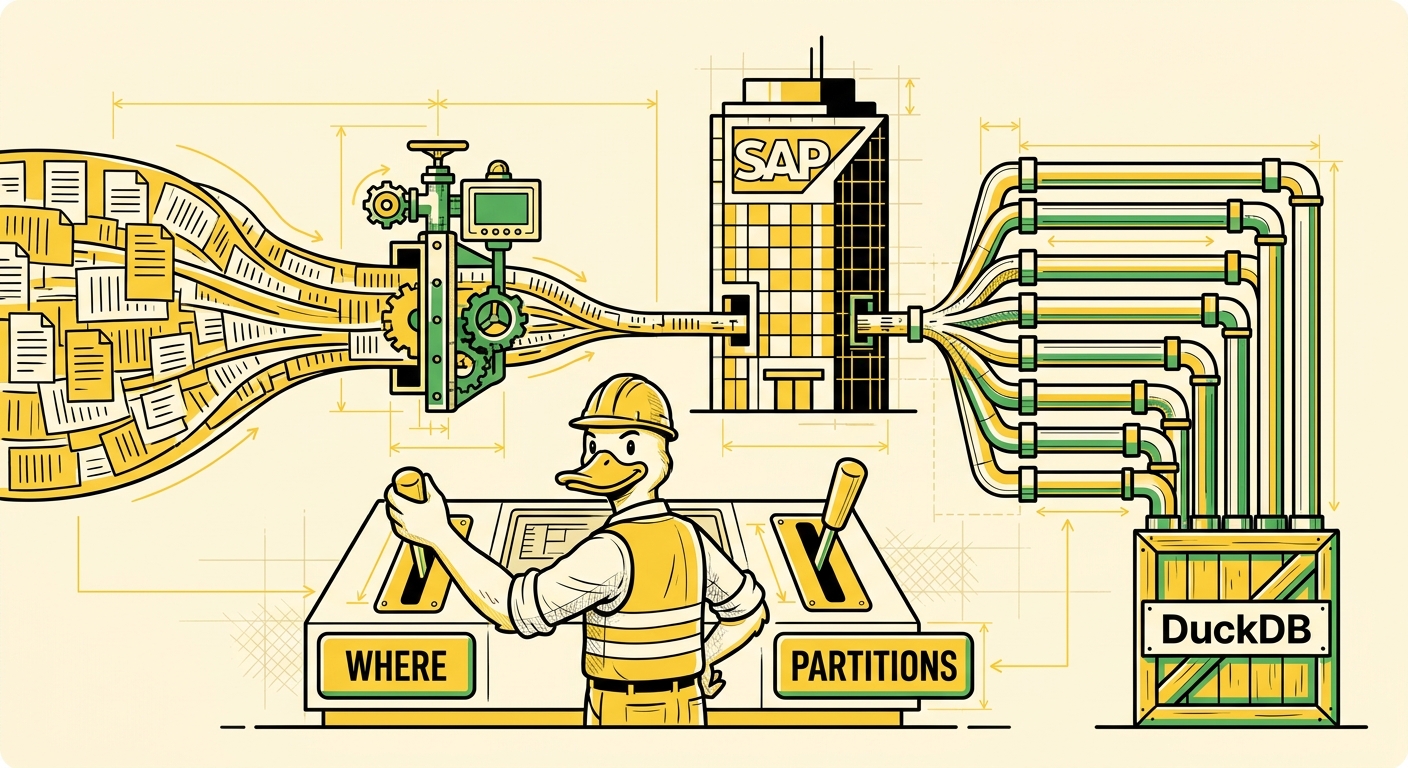
partitions fixes that by splitting the scan across rows. On 2.9 million rows it is
4.5× faster at eight workers. Getting there meant taking apart the invariant the
scan had been built on, which is the part worth writing about.
One call per column
RFC_READ_TABLE is the function underneath sap_read_table. It reads a table and
hands back rows. ERPL's scan issued one concurrent call per projected column, all
of them walking the same rows in lock-step, each fetching its own column's slice.
For a fifty-column read that is fifty calls in flight, and it works well. For a
one-column read it is one call. The parallelism was tied to the shape of your
projection rather than the size of your table — which is exactly backwards, because
the reads that hurt are the narrow ones over enormous tables. A single-column extract
from a fact table got no concurrency whatsoever, and no amount of tuning could give it
any; threads, which genuinely speeds up a wide read, simply had nothing to spread.
That is a structural gap, not a tuning problem, and it needed the scan rebuilt.
First, is there anything to win?
Before rebuilding anything I put a release build under perf, reading 2.9 million
rows out of REPOSRC:
| Cost | Share |
|---|---|
RfcRecord::getValue — SDK field read | 16.3% |
CsRDecomprLZH — SAP wire decompression | 14.1% |
Utf16nToUtf8nBase — SDK encoding conversion | 13.5% |
isspace — libc, from trailing-blank trimming | 8.2% |
uc2std — our UTF-16 to std::string | 7.4% |
Roughly half the time is spent decompressing and re-encoding bytes SAP has already sent. The important word is CPU. This is not a client sitting idle waiting on a network round-trip, where adding workers buys you nothing but context switches. It is work, on our side, that more cores can do in parallel.
So the win was real, if the scan could be taught to split by rows.
The re-engineering
RFC_READ_TABLE accepts ROWSKIPS and ROWCOUNT, so the server can already hand
back a window of rows. Nothing new was needed on the SAP side. The obstacle was
entirely on ours, and it was the scan's central invariant.
The old design kept a state machine per column, in the bind data — shared across the whole scan, advancing in lock-step, with an explicit check that every active column had read the same number of rows. That invariant is what made column-parallel reads correct: fifty calls, fifty column slices, all aligned on the same rows, stitched back into chunks by position.
Row partitioning breaks it on purpose. Each worker now owns a different row range, so "every column is at the same offset" stops being true globally and becomes true only within a worker. That meant moving the state machines out of shared bind data into per-worker local state, and reworking everything that had quietly depended on the old arrangement: the stepping logic, the batch budget, the persistent-connection cache, progress reporting, column activation, and the end-of-results test.
A scheduler hands out non-overlapping windows, and it is a free function with no SAP dependency — deliberately, so its correctness could be tested without a server. The tests that matter are the boring ones: eight workers, no gaps, no overlaps, complete coverage of the row space.
I was not enthusiastic about this. I had looked at row partitioning once before and talked myself out of it, on the grounds that the refactor touched too much of a scan path that had already produced silent wrong-results bugs, for a payoff I had only measured indirectly. What changed my mind was the narrow-table argument: no amount of tuning fixes a single-column extract under the old design, and that is not an exotic case, it is the normal one for incremental loads.
Using it
SELECT * FROM sap_read_table('REPOSRC', partitions = 8);

-- or as a session default
SET erpl_rfc_partitions = 8;
That is the whole API. It is opt-in, for a reason I will come back to.
What it buys
2.87 million rows of REPOSRC, single column, release build:
partitions | 1 | 2 | 4 | 8 | 12 |
|---|---|---|---|---|---|
| wall | 94.1s | 50.6s | 30.0s | 21.0s | 20.5s |
4.5× at eight workers, on precisely the shape that previously could not parallelise at all. The knee is visible: twelve buys essentially nothing over eight.
Where your knee falls is a property of your SAP system's capacity — work processes, application servers, database — not of ERPL. These numbers come from a single-container trial system, which is close to the least capable environment this code will ever run in. Find your own by raising the number and watching throughput, rather than trusting mine.
What it costs
Parallel readers are not free, and the honest question is what you pay for that 4.5×:
partitions | peak RSS | wall |
|---|---|---|
| 1 | 215 MB | 104.1s |
| 8 | 374 MB | 24.9s |
1.7× the memory for 4.2× the speed.
That ratio is not automatic, and it is the part of the design I am most pleased with.
Each worker owns its own SAP result buffers, so the naive implementation scales memory
linearly with worker count — eight workers, eight times the buffers. Instead
erpl_rfc_fetch_size is divided across the workers, so the budget you set is the
budget you get regardless of how many readers share it. Eight workers cost 1.7×
rather than 8×.
That division has a consequence worth understanding, because it is why more workers can make things slower.
The wide-table case, where it turns around
Wide tables already had parallelism under the old design, so partitioning helps less
and the knee arrives sooner. ZWIDE_BSEG is a 400-column BSEG-shaped fixture; reading
100,000 rows of a 50-column slice:
partitions | 1 | 2 | 4 | 8 |
|---|---|---|---|---|
| wall | 1.81s | 1.25s | 0.85s | 1.74s |
About 118,000 rows/s at four workers — and a genuine regression at eight. Not mysterious, once you follow the budget:
partitions | batch size | RFC calls for this read |
|---|---|---|
| 1 | 16384 | 350 |
| 4 | 4096 | 1250 |
| 8 | 2048 | 2450 |
Splitting a fixed memory budget across more workers shrinks each worker's batch, and smaller batches mean more round-trips. From four workers to eight, the parallelism doubles and the call count very nearly doubles with it. They cancel.
The fix is a knob, not a mystery: if you want to partition a wide table harder, raise
erpl_rfc_fetch_size along with partitions and pay for the throughput in memory.
The two settings are coupled by design, and now you know which direction to turn each.
Proving it returns the same data
A parallel scan that returns nearly the right rows is worse than a slow one. Row counts are not sufficient evidence — a scan that drops one window and duplicates another passes a count check perfectly.
So every partitioned result is compared against its serial reference as a multiset,
using a symmetric EXCEPT ALL in both directions. That catches drops, duplicates and
corrupted values in one assertion, and it does not care about row order — which matters,
because order is exactly what partitioning gives up.
Two specific hazards were worth closing:
ROWSKIPS is an ABAP INT4. A window cannot begin past row 2,147,483,647. ERPL
refuses rather than wrapping, because a wrap would silently re-read an earlier range
and duplicate rows — the worst thing this code could do.
MAX_ROWS with partitions used to hang. The unpartitioned path trims ROWCOUNT
to land exactly on your limit; a partitioned window cannot, because ROWCOUNT has to
stay batch-aligned. It over-fetches the final batch, and the old clip left the read
spinning on rows it would never emit.
When not to use it
Order. An unpartitioned scan calls RFC_READ_TABLE with GET_SORTED='X' and
returns sorted rows. Partitioned workers finish in whatever order they finish. That is
the reason partitions is opt-in rather than the default — turning it on globally
would silently change results for anyone who had been relying on that ordering. Add an
ORDER BY if you were.
More is not monotonically better, and the ceiling is not always ours to see.
Reading ten million rows of D010TAB, a 28-million-row dictionary table: four workers
finished in 405 seconds; eight workers came back in seven seconds with
ID:SAIS Type:E Number:000 DB_Error on D010TAB:
The database registered an internal error.
That is SAP declining, not ERPL failing. The same eight workers are perfectly happy
against REPOSRC, so the limit belongs to the table and the system rather than to a
number I can hand you. It fails loudly and immediately — no partial result, no silent
truncation, just a refusal naming the table — which is the behaviour you want when you
have pushed a production system too hard.
What to do with this
If you extract a few columns from a large table, set partitions. Start at 4, try 8,
watch throughput, stop when it stops improving.
If you read wide tables, you already had parallelism; partitioning helps less, and if
you push it, raise erpl_rfc_fetch_size at the same time.
Either way, check with your Basis team before pointing many parallel readers at a
production system. SAP-side concurrency limits apply per client program, and the
D010TAB result above is what the far end of that looks like.
INSTALL erpl FROM 'http://get.erpl.io';
LOAD erpl;
The measurement is the part I would keep. The column-parallel design had been read many times and looked reasonable every time — one call per column is a perfectly sensible way to parallelise, right up until you notice which reads it leaves out. It took a profile and a one-column table to see it.