Reverse-Engineer a SAP BW Cube into dbt Models on DuckDB

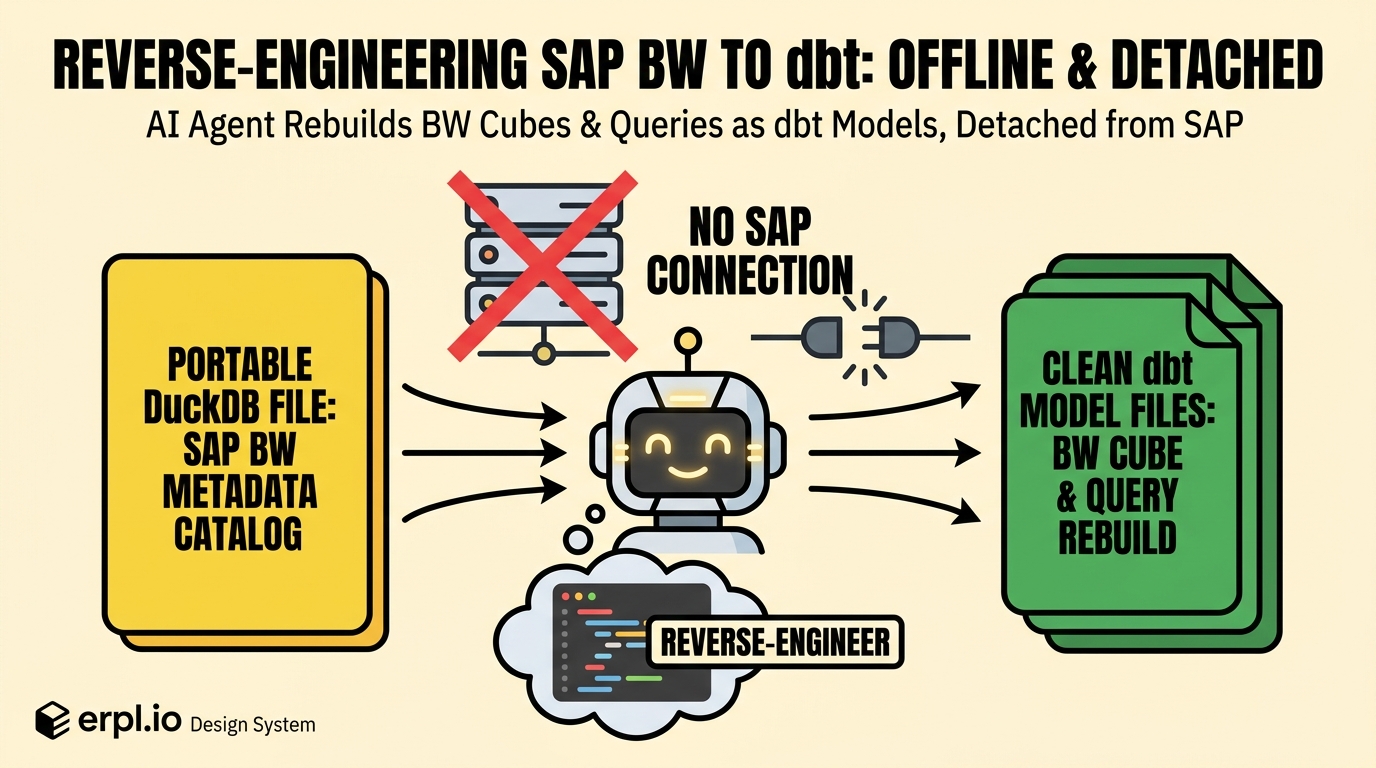
In Part 1 we extracted a BW system's metadata into a single DuckDB file with erpl-adt catalog sync — 53 cubes, 226 queries, every characteristic and key figure, all the lineage between them. Browsable, searchable, and completely decoupled from SAP.
Now we do the interesting thing. We unplug.
No SAP credentials in this post. No VPN, no connection, no --host. Just catalog.duckdb — the file from Part 1 — and an AI agent. The goal: take one cube (0D_NW_C01, "Actual for NW Demo") and its flagship query (0D_FC_NW_C01_Q0008, "YTD Sales by Sales Org") and reverse-engineer them into runnable dbt models on DuckDB. Reconstruct the star schema, the measures, and the year-to-date logic — from metadata alone, offline.
Here is exactly how it went.
The setup: catalog tools, zero SAP
erpl-adt runs as an MCP server. Normally you point it at a live SAP system. But it also has a mode that matters here: point it at a catalog file instead, with --catalog-db, and it serves the read-only catalog_* tools straight from the DuckDB — no SAP connection is opened at all.
Three lines in Claude Code's MCP config:
{
  "mcpServers": {
    "catalog": {
      "command": "erpl-adt",
      "args": ["mcp", "--catalog-db", "catalog.duckdb"]
    }
  }
}
Notice what's missing: no host, no user, no password. This server can't talk to SAP even if it wanted to. It can only read the file. For this workflow that's the property that matters: the agent can read the catalog, but it can't open a SAP session from this MCP server.
The agent now has these tools available, among others:
catalog_search— full-text search over the catalogcatalog_get— fetch an entity with its fieldscatalog_lineage— follow an entity's outgoing edgescatalog_where_used— find what references an entity
Let's watch it work. Everything below is one conversation with Claude Code.
Act 1: the agent finds its target
Me: Using the catalog tools, find the BW query about year-to-date sales by sales organization, and tell me what it's built from.
The agent starts with a search:
› catalog_search { "query": "YTD sales by sales org", "max_results": 3 }
[
  { "id": "a1f3…", "technical_name": "0D_FC_NW_C01_Q0008",
    "display_name": "YTD Sales by Sales Org (Dyn. Date)",
    "domain": "BW", "object_type": "ELEM", "object_subtype": "REP" }
]
Then it pulls the query itself:
› catalog_get { "id": "a1f3…" }
{
  "technical_name": "0D_FC_NW_C01_Q0008",
  "display_name": "YTD Sales by Sales Org (Dyn. Date)",
  "fields": [
    { "role": "key_figure", "name": "0D_NW_NETV" },
    { "role": "row",        "name": "0D_NW_PROD__0D_NW_PRDGP" },
    { "role": "filter",     "name": "0D_NW_SORG" },
    { "role": "free",       "name": "0CALMONTH" },
    { "role": "free",       "name": "0D_NW_PROD__0D_NW_PRDCT" },
    { "role": "variable",   "name": "0D_NW_ACTCMON" }
  ]
}
This is the useful bit. The catalog didn't store a picture of the query — it stored its semantic layout, every field tagged with the role it plays:
Claude Code: This query presents one measure —
0D_NW_NETV(net value) — broken down by product group (0D_NW_PRDGP, a navigation attribute of product) in the rows, filtered to a single sales organization (0D_NW_SORG). It has a variable,0D_NW_ACTCMON("actual current month"), and0CALMONTHsits as a free characteristic — that's the year-to-date mechanism: the variable pins the current month, and the query sums net value from the start of the fiscal year up to it. I need the underlying cube to get the data types and the full grain.
It inferred the YTD pattern from the pieces the catalog gave it — the query name, the 0D_NW_ACTCMON variable, and 0CALMONTH as a free characteristic. That's the BW shape you expect for "from January through the selected month." No SAP connection told it that. The metadata did.
Act 2: the agent maps the cube
› catalog_get { "id": "…0D_NW_C01…" }
{
  "technical_name": "0D_NW_C01", "display_name": "Actual for NW Demo",
  "object_type": "CUBE",
  "fields": [
    { "name": "0CALMONTH",  "data_type": "NUMC" },
    { "name": "0CALYEAR",   "data_type": "NUMC" },
    { "name": "0D_NW_SORG", "data_type": "CHAR" },
    { "name": "0D_NW_PROD", "data_type": "CHAR" },
    { "name": "0D_NW_CHANN","data_type": "CHAR" },
    { "name": "0D_NW_CNTRY","data_type": "CHAR" },
    { "name": "0D_NW_NETV", "data_type": "CURR" },
    { "name": "0D_NW_COSTV","data_type": "CURR" },
    { "name": "0D_NW_OORV", "data_type": "CURR" },
    { "name": "0D_NW_OORQT","data_type": "QUAN" }
  ]
}
Claude Code: The cube's grain is calendar month × product × sales org × channel × country. The DDIC data types separate dimensions from measures cleanly:
CHAR/NUMCfields are the dimensions, and theCURR/QUANfields are the measures — net value, cost value, open-order value, open-order quantity.0D_NW_NETVappears in both the cube and the query, and the catalog carries a cross-reference edge between the two — so0D_NW_C01is the provider. I have enough to rebuild it.
That split is the kind of thing I'd normally reconstruct by hand in the Workbench: the measures aren't labeled "measure" anywhere in BW's metadata, but their data type gives them away. CURR is a currency amount; QUAN is a quantity. The agent used the DDIC type — captured by the catalog for every field — to separate dimensions from measures without asking SAP.
Act 3: what the catalog can and can't give you
Before the agent writes code, an honest boundary — and the agent drew it itself:
Claude Code: One thing to be clear about: the catalog holds the structure and logic of this cube and query — the schema, the grain, the measures, the YTD rule — but not the fact rows themselves. Metadata, not data. So what I'll generate is the reverse-engineered model: dbt models that recreate this cube's star schema and reproduce the query as SQL. You point them at separately landed BW data — an ODP or OData pull of the cube's fact. If that landing step is complete and uses the same grain,
dbt buildreproduces the query logic in DuckDB.
That's the honest shape of the exercise. The catalog is the blueprint. Moving the rows is a separate step, for example with erpl-web's ODP extraction. That split is useful: the blueprint is small and versionable; the data movement can happen later, under the controls you already use for SAP data. Reverse-engineering the blueprint is the hard, knowledge-bound part, and it's the part the agent just did from a file.
Act 4: the dbt models it wrote
Here is the mapping the agent had worked out — every BW object on the left becoming a dbt model on the right, all of it derived from the catalog file:
The agent scaffolds a dbt project targeting DuckDB. First an excerpt of the source, pointing at wherever the cube's fact lands:
# models/staging/_sap_bw__sources.yml
sources:
  - name: sap_bw
    schema: raw
    tables:
      - name: nw_c01_actual        # landed from cube 0D_NW_C01 (e.g. via ODP)
        description: "Actual for NW Demo — reverse-engineered from BW cube 0D_NW_C01"
A staging model that gives the columns human-readable names and casts the types the catalog reported. (In this example the landing job already aliased the BW technical names; if your raw table keeps names like 0CALMONTH, quote them in DuckDB — "0CALMONTH" — because identifiers that start with a digit need quoting.)
-- models/staging/stg_sales_actuals.sql
-- calendar_month is zero-padded YYYYMM text, matching BW's 0CALMONTH.
select
    cast(cal_month as varchar)          as calendar_month,   -- 0CALMONTH (NUMC)
    cast(cal_year  as varchar)          as calendar_year,    -- 0CALYEAR  (NUMC)
    sales_org                           as sales_org_id,     -- 0D_NW_SORG (CHAR)
    product                             as product_id,       -- 0D_NW_PROD (CHAR)
    dist_channel                        as channel_id,       -- 0D_NW_CHANN
    country                             as country_id,       -- 0D_NW_CNTRY
    cast(net_value  as decimal(17, 2))  as net_value,        -- 0D_NW_NETV (CURR)
    cast(cost_value as decimal(17, 2))  as cost_value,       -- 0D_NW_COSTV (CURR)
    cast(oo_value   as decimal(17, 2))  as open_order_value, -- 0D_NW_OORV (CURR)
    cast(oo_qty     as decimal(17, 3))  as open_order_qty    -- 0D_NW_OORQT (QUAN)
from {{ source('sap_bw', 'nw_c01_actual') }}
A fact model at the cube's grain, and then the mart that is the query — net value by product group, for one sales org, year-to-date. The YTD window is the variable the agent spotted in Act 1, exposed as a dbt var:
-- models/marts/ytd_sales_by_sales_org.sql
-- Reproduces BW query 0D_FC_NW_C01_Q0008 "YTD Sales by Sales Org (Dyn. Date)".
-- The BW variable 0D_NW_ACTCMON (current month) becomes {{ var('current_month') }};
-- year-to-date = every month from January of that year up to and including it.
with fact as (
    select * from {{ ref('fct_sales_actuals') }}
),
product as (
    select product_id, product_group_id from {{ ref('dim_product') }}
),
ytd as (
    select *
    from fact
    where calendar_month between
              left('{{ var("current_month") }}', 4) || '01'   -- Jan of the year
          and '{{ var("current_month") }}'                    -- the variable's month
)
select
    ytd.sales_org_id,
    product.product_group_id,
    sum(ytd.net_value) as ytd_net_value
from ytd
join product using (product_id)
where ytd.sales_org_id = '{{ var("sales_org") }}'   -- the query's filter
group by 1, 2
order by ytd_net_value desc
Read that model against the catalog_get output from Act 1 and the mapping is easy to follow. The query's key_figure became sum(net_value). Its row characteristic became group by product_group_id. Its filter became a where sales_org_id = …. Its variable and free 0CALMONTH became the YTD date window. (The free product-category characteristic would sit in dim_product as another selectable attribute — not every free field needs to land in this mart.) The reverse-engineering is legible — you can audit every line back to a piece of BW metadata.
Act 5: run it, offline
With a raw.nw_c01_actual table landed from the cube's fact, the models run. (The rows below come from that landed data; the catalog supplied the model shape, not the values.)
dbt build --vars '{current_month: "202606", sales_org: "1000"}'
1 of 6 OK created sql view model main.stg_sales_actuals ........ [OK]
...
6 of 6 OK created sql table model main.ytd_sales_by_sales_org .. [OK]
Completed successfully. Done. PASS=6 WARN=0 ERROR=0
select * from ytd_sales_by_sales_org limit 5;
┌──────────────┬──────────────────┬───────────────┐
│ sales_org_id │ product_group_id │ ytd_net_value │
├──────────────┼──────────────────┼───────────────┤
│ 1000         │ PG-100           │    4218900.00 │
│ 1000         │ PG-200           │    3101475.00 │
│ 1000         │ PG-300           │    1889260.00 │
└──────────────┴──────────────────┴───────────────┘
A BW query that used to exist only inside the Query Designer now runs as SQL, on DuckDB, on a laptop, with the grain and the year-to-date logic intact — and a paper trail from every column back to the cube it came from.
Why I think this matters
Reverse-engineering one query is a demo. The reason it matters is what it unlocks at scale:
- Migration. Moving off BW? The catalog is the inventory and the spec. An agent can draft dbt models for many queries at once, and each draft can be audited against its source object, instead of a consultant re-deriving them by hand.
- Documentation that can't drift. The dbt models are generated from the live object model. Re-sync the catalog after a transport, re-diff, regenerate — the docs are downstream of the truth, not a stale wiki page.
- Understanding without access. The person who needs to know what a cube means is rarely the person with a SAP seat. The catalog decouples the two: extract once, reason forever.
None of it requires the agent to touch SAP. The knowledge was captured into a DuckDB file in Part 1; in Part 2 the agent turned that knowledge into working code. That's the pattern — extract the metadata once, then let agents build on it, detached — and it works because the catalog stored the meaning of the objects, not just their names.
The black box is less black now. The catalog gave the agent enough structure to write a first manual — offline, from a file.
erpl-adt and the ERPL family are open tooling for getting SAP data and metadata into the engines you actually work in. Start with pip install erpl-adt or uvx erpl-adt --help, and see erpl.io for the ODP/OData extraction that lands the rows these models point at. Questions or a migration war story? Find me on LinkedIn.