4 posts tagged with "ERPL-ADT"

ABAP CLI and MCP server for SAP development

View All Tags

Reverse-Engineer a SAP BW Cube into dbt Models on DuckDB

· 10 min read

Joachim Rosskopf
Co-Founder & CEO

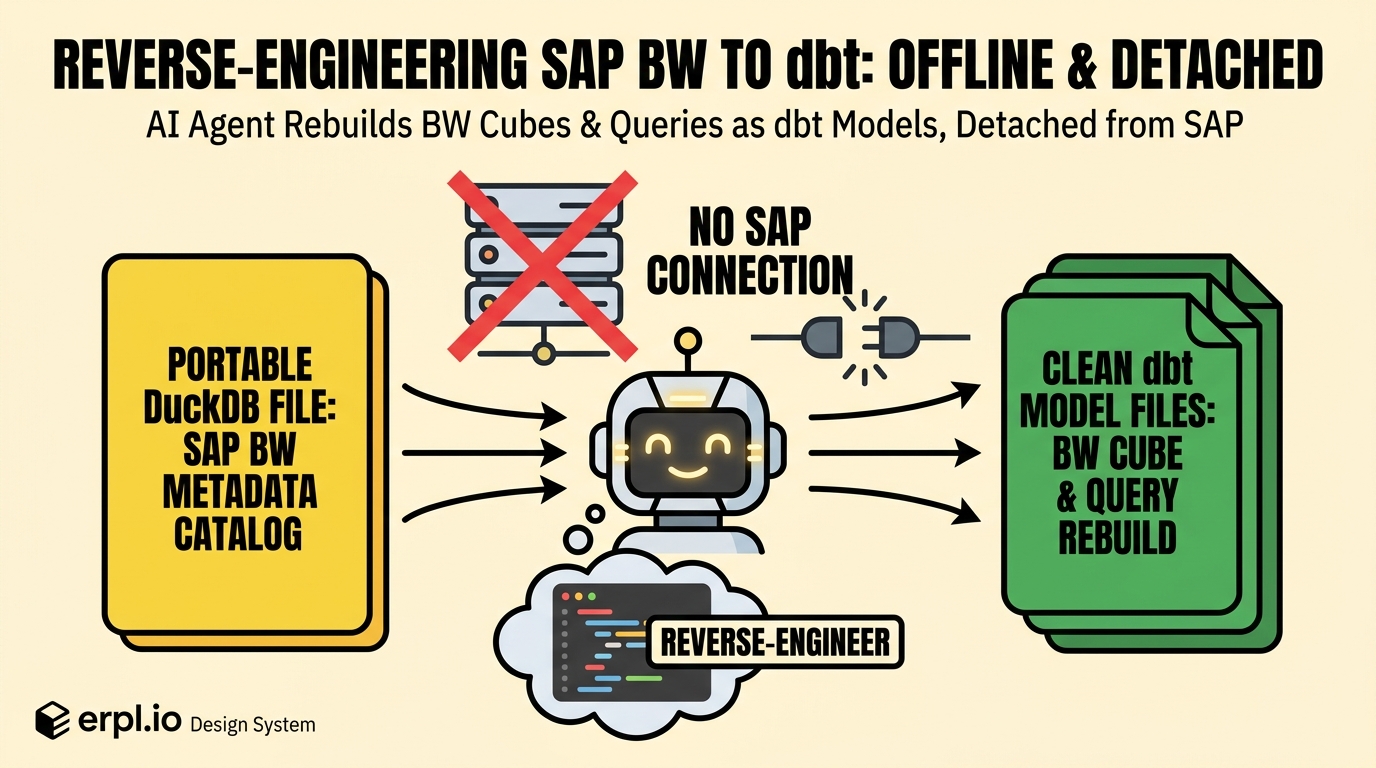
An AI agent reverse-engineering a BW cube into dbt models, offline, with no SAP connection.

In Part 1 we extracted a BW system's metadata into a single DuckDB file with erpl-adt catalog sync — 53 cubes, 226 queries, every characteristic and key figure, all the lineage between them. Browsable, searchable, and completely decoupled from SAP.

Now we do the interesting thing. We unplug.

No SAP credentials in this post. No VPN, no connection, no --host. Just catalog.duckdb — the file from Part 1 — and an AI agent. The goal: take one cube (0D_NW_C01, "Actual for NW Demo") and its flagship query (0D_FC_NW_C01_Q0008, "YTD Sales by Sales Org") and reverse-engineer them into runnable dbt models on DuckDB. Reconstruct the star schema, the measures, and the year-to-date logic — from metadata alone, offline.

Here is exactly how it went.
Extract SAP BW Metadata into a DuckDB Catalog

· 7 min read
Joachim Rosskopf
Co-Founder & CEO

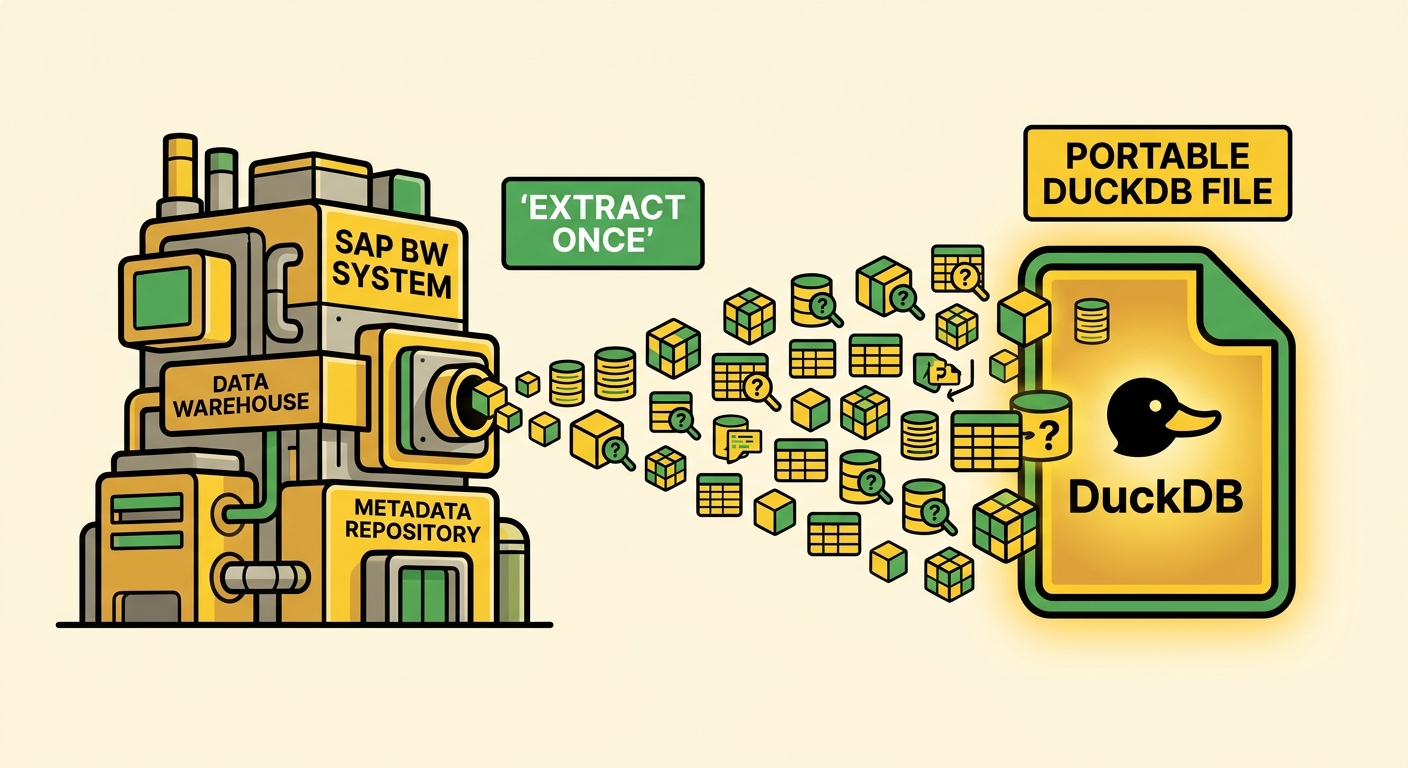
Extracting SAP BW metadata into a single portable DuckDB file.

You inherit a BW system the way you inherit an old house: with the previous owner already gone and no manual in the drawer. There is a cube called 0D_NW_C01. There is a query called 0D_FC_NW_C01_Q0008. Somebody, once, knew exactly what each of them meant. That person left, and the knowledge left with them.

This is one of the quiet costs of enterprise data work: the metadata is in SAP, but it isn't easy to carry with you. To see what a cube contains you open the Data Warehousing Workbench. To read a query definition you open the Query Designer. To trace where a number comes from you open transaction after transaction, screenshotting as you go, because there is no other place to keep the answer.

I wanted that metadata in a file I could keep: cubes, queries, InfoObjects, characteristics, key figures, CDS views, and the links between them — something I could reason about without SAP in the loop.

That is what the erpl-adt catalog does. This post is Part 1: extract it, and browse it. Part 2 unplugs from SAP entirely and hands the file to an AI agent.

An AI Agent That Calls Live SAP Data — and Fixes It in ABAP

· 8 min read
Joachim Rosskopf
Co-Founder & CEO

← Part 1: Your SAP Data Is Already Real-Time

In Part 1, a mid-size manufacturer's forecasting team got a live, validated, DuckDB-native view of their SAP order and customer data — fresh within five minutes, anomalies caught at the gate, no warehouse in the middle.

This post is Part 2. It answers the next two questions: how does the AI agent actually reach that data, and what happens when the data is wrong?

The short version: we publish the view as a REST endpoint and an MCP tool with flAPI so the agent can call it, and when the agent finds a bad number it reads the ABAP behind the view, writes a patch, and files a transport with erpl-adt.

I Asked Claude Code to Build a CDS View. It Got the Delta Annotations Right.

· 15 min read
Joachim Rosskopf
Co-Founder & CEO

Picture the ecommerce team at a mid-sized retailer. They have just shipped a customer-support chatbot — the LLM-driven kind that fields the "where's my order?" and "can you change the delivery address?" tickets that used to eat a third of the call-centre's day. The bot is good. It is also wrong about fifteen percent of the time, because the order data it reasons about is six hours stale: a nightly job dumps VBAK to a Parquet file, the bot reads the file, and customers find out the bot does not know about anything they ordered after lunch.

The fix is obvious — feed the chatbot from a near-real-time stream. The cleanest compliant path is ODP-via-OData: SAP's Gateway exposes the CDS view as an OData v2 entity set, the consumer follows the !deltatoken=… link, the bot's cache lands inside a five-minute freshness window. (More on why OData and not RFC in a moment — that part is no longer a stylistic choice.) The blocker is the CDS view that the ODP framework reads. If you have ever built one by hand, you know the actual coding is the fast part — five lines of select from. The slow part is the annotation block on top, the half-page of @Analytics.dataExtraction.delta.byElement.name, @AccessControl.authorizationCheck, @VDM.viewType, and the @OData.publish switch that surfaces the view through Gateway. Get one of them wrong and the delta isn't a delta. It's a full snapshot every fifteen minutes, and your ODP queue is on fire by lunchtime.

This is the part of SAP development that an AI pair programmer is very good at, if you give it a real CLI to drive. Last weekend I built the chatbot's feed end-to-end with Claude Code and uvx erpl-adt. No MCP server, no daemon — just Claude Code running shell commands the way a developer would. Eleven minutes from request to active, ODP-ready view. This post is what happened, command by command.